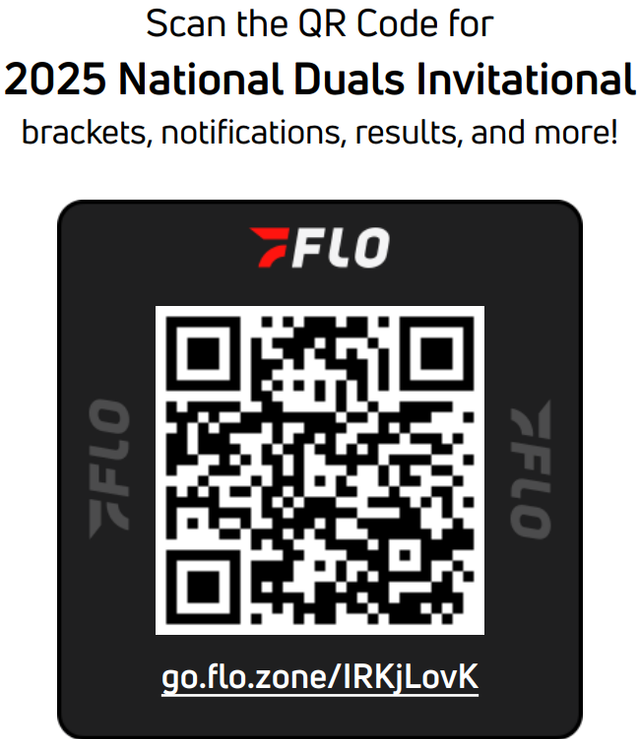
Make it easy for parents, fans, and participants to find your event by sharing its direct link or QR code. The direct link can be shared online, while the QR code is a convenient option for signs, flyers, and other materials at your venue. When someone opens the link or scans the QR code, they can access your event and view its information and results. Want to see how it works?
Option 1: Share the direct link
Use the direct link when you want to share your event through email, a website, social media, or another online location. Check out this video for the steps.
- From inside your event, go to Direct Link in the left navigation menu.
- Click Copy Link.
- Paste the link wherever you want to share your event.
Option 2: Share your event's QR code
Your event's QR code gives people a quick way to open the event on a smartphone. You can print it for use at your venue, save it as a PDF to add to an event flyer, or share it through your social media channels.
There are two ways to access the QR code from your event.
Method 1: Use the QR Code link
- From inside your event, click QR Code.
- Use the Print icon or right-click the page to open your printing options.
- Follow your browser's prompts to print the QR code.
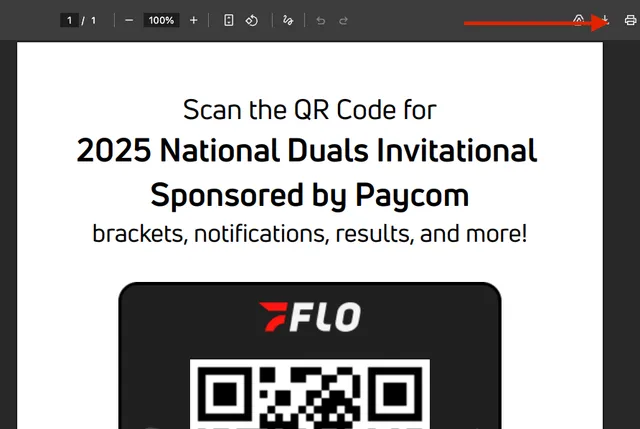
Method 2: Use the Left Menu
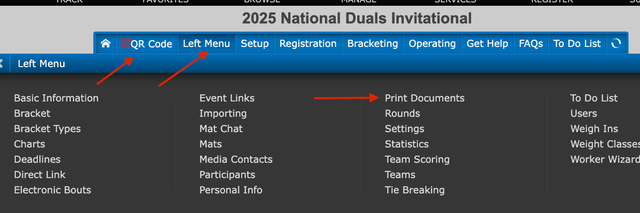
- Open the Left Menu.
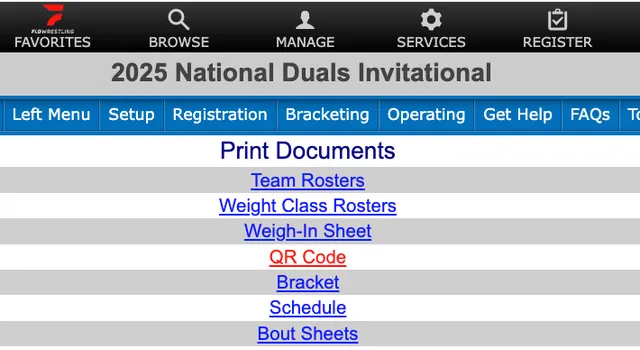
- Select Print Documents.
- Click the blue QR Code link near the top of the list, directly below Weigh-In Sheet.
- Use the Print icon or right-click the page to open your printing options.
- Follow your browser's prompts to print the QR code.
Save or share your QR code
You don't have to print the QR code. From your browser's printing options, you can save it as a PDF and then add it to a tournament flyer or other event materials. You can also share the QR code through your social media channels so fans can quickly access your event.